


Performing a Damage Inspection before and after your job is crucial for both you and the customer.
Why is performing inspections thoroughly important?
1. Ensures Protection
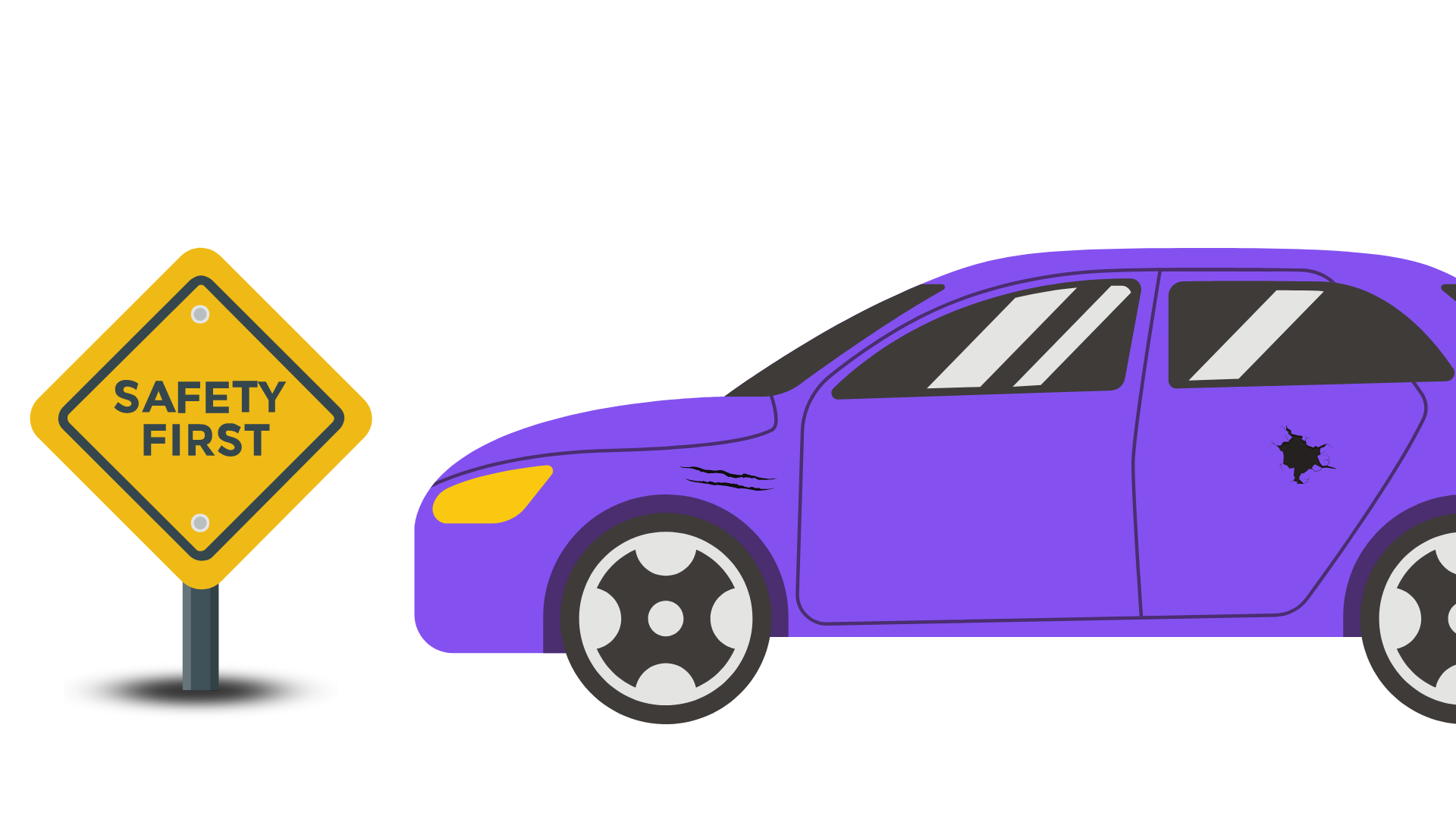
Performing a Damage Inspection ensures that you are not liable for any damages made before you started your job. If you are held accountable for the damages on the customer’s vehicle, you would have proof to show that they were pre-existing damages.
*Tip: Make sure your photos are clear when you upload them!
2. Avoid Deduction
If inspection is not done (no photos as proof that the damage found is not caused by you), you may face a payment deduction when customers reach out to us about the damage.
How To Do Inspections?
Step 1Tap on ‘Inspect Now’ to complete the Inspection before starting the job.Step 2Take at least 4 sides (front, back, left & right) inspection picturesbeforestarting the jobin the Dash app.Step 3Take at least 4 sides (front, back, left & right) inspection picturesupon arrival at the drop-offlocationbefore marking the job as completethe job in the Dash app.Step 4Tap on ‘Inspect to Complete Job’ before marking the job as complete.
Do’s and Don’ts
Correct Inspection Photo Samples:
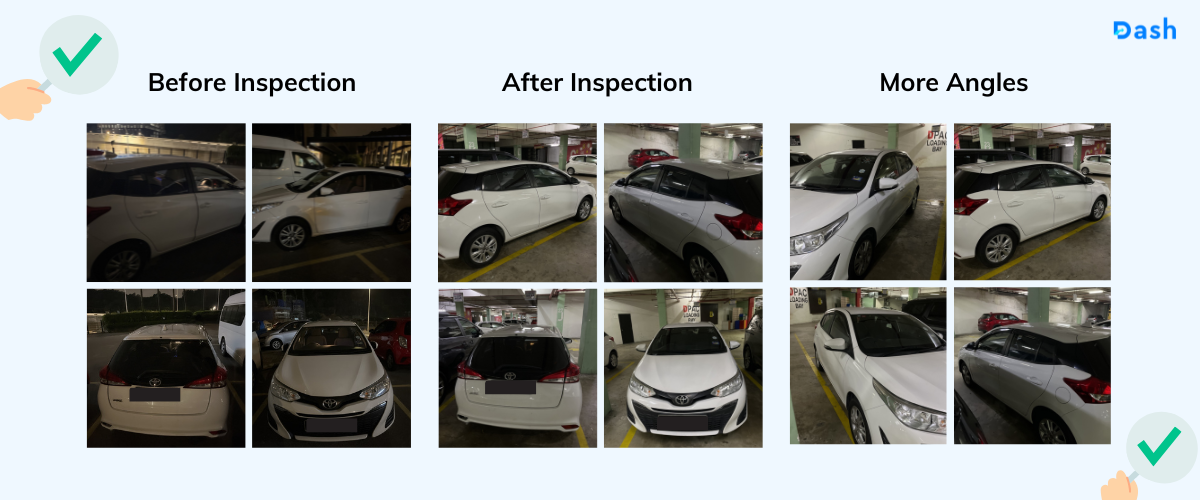
Minimum 4 photos: ✅ Front view ✅ Back view ✅ Left view ✅ Right view
⚠️ All photos are taken clearly (not dark/blurred) ⚠️ You may snap more than 4 photos (6 photos are highly recommended) ⚠️ Do take more photos with different angles if you are unable to take a proper view of the car
Incorrect Inspection Photo Samples:
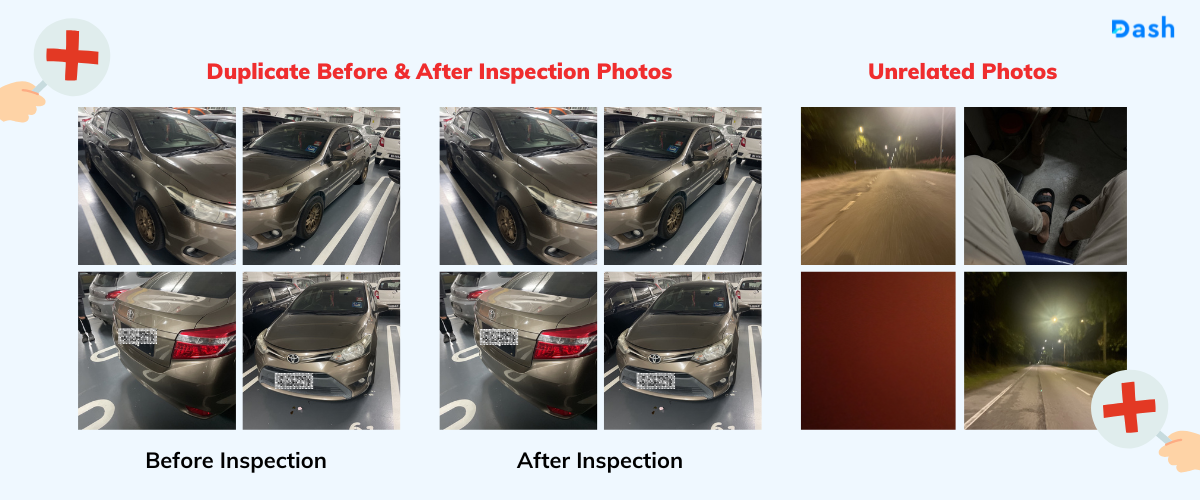
❌ No duplicates Before & After the job is completed
❌ No unrelated photos